There's more to your community than conversation.

Give customers one place to ask, answer, learn, and share what they know. We make it easy to get it up and running.

The communities you know and love are powered by Gainsight



Build communities that drive retention

See how Gainsight CC is able to customize the community homepage, reach a global audience, and engage community members.

Connect the community dots.

Connect community with Gainsight CS, Skilljar, and Product Experience, so what customers ask, learn, and do helps your teams see where they’re getting value. And where they’re getting stuck.

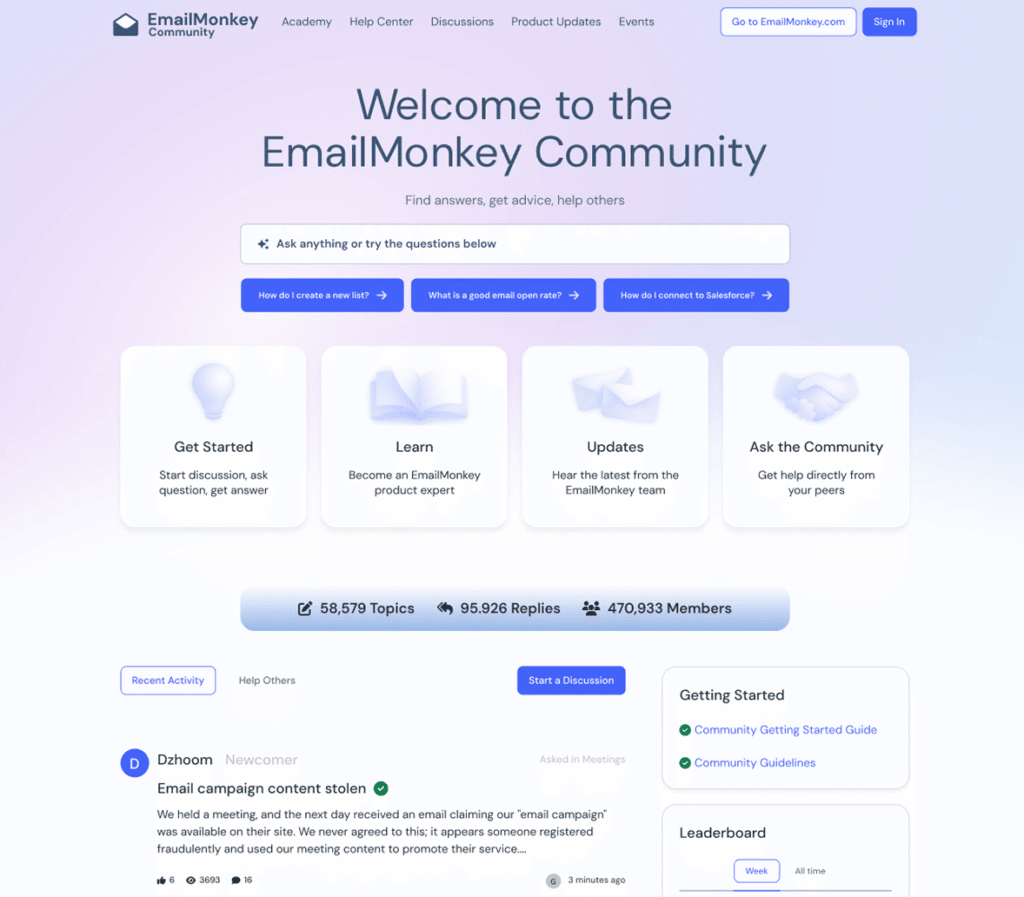
Screenshot of the EmailMonkey Community homepage showing a welcome message, navigation menu, and sections for getting started, learning, updates, and asking the community. Designed to foster strong customer communities, the page also features a forum list and recent activity on the lower half.

Grow your community. Not your workload.

AI Answers finds the right answer. Moderation AI Agent helps manage the conversation. AI Translations opens it up to more people. Your team already has enough to do.
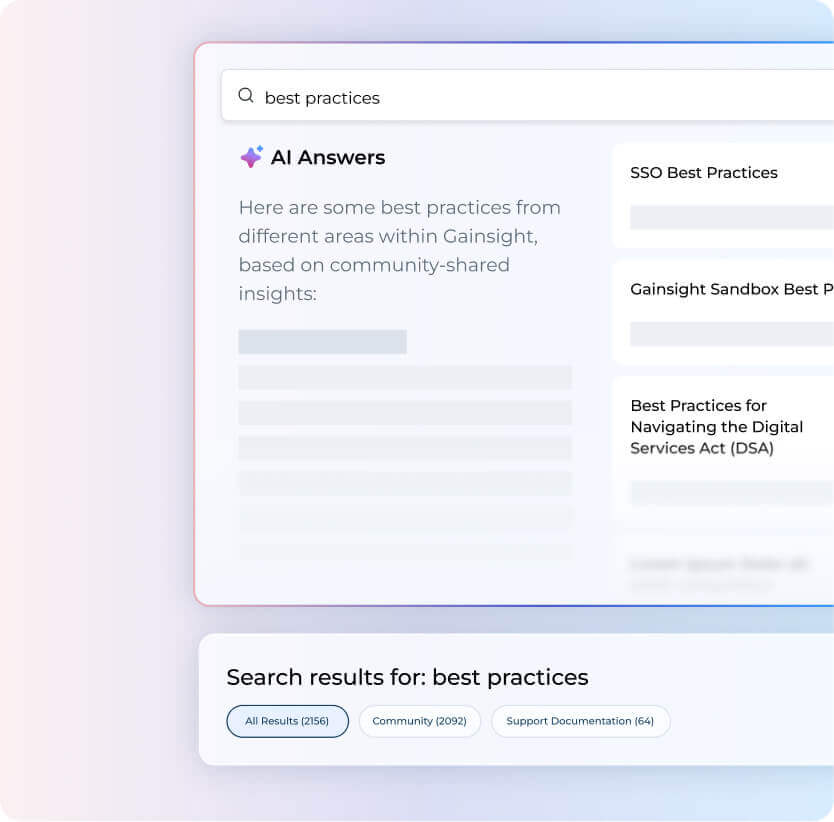
A computer screen displays a search for "best practices," showing AI-generated answers and a list of categorized results, including SSO Best Practices, Digital Services Act guidance, and tips for fostering Customer Engagement in Online Communities.

One customer's answer can help a thousand others.

Give customers a place to share what works, learn from people who’ve been there, and keep up with everything you ship.
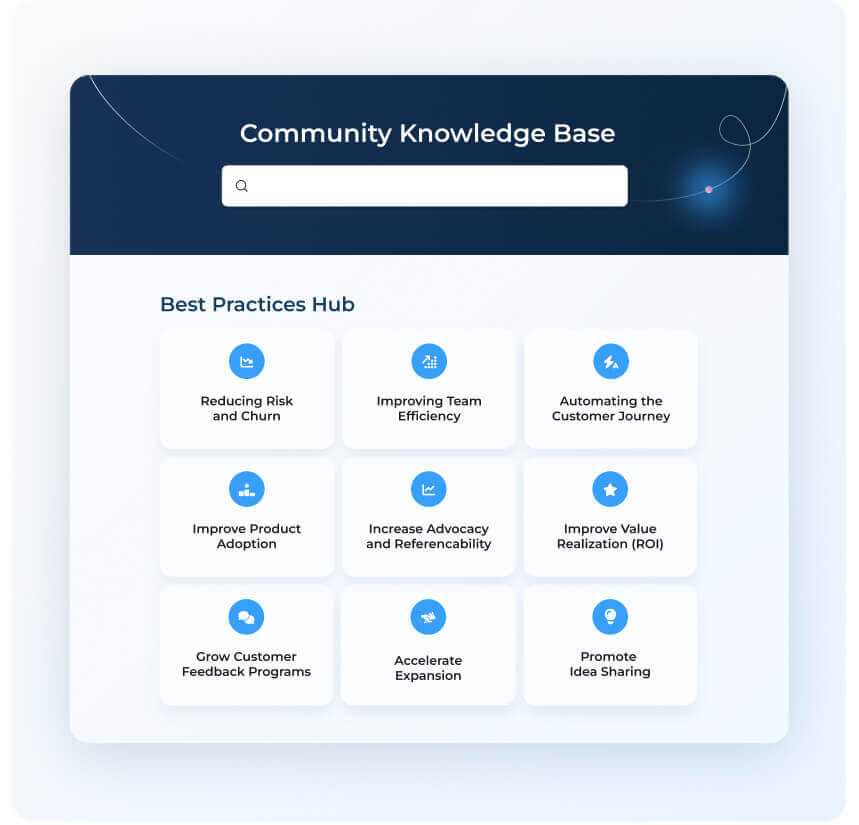
Screenshot of a Community Knowledge Base interface for Customer Communities, featuring a search bar and a Best Practices Hub with nine topics, including reducing risk, improving efficiency, automation, advocacy, feedback, and idea sharing.

The best product tips rarely come from the product.

Bring customers together around shared interests, goals, or challenges so they can see what others are doing and try it for themselves.
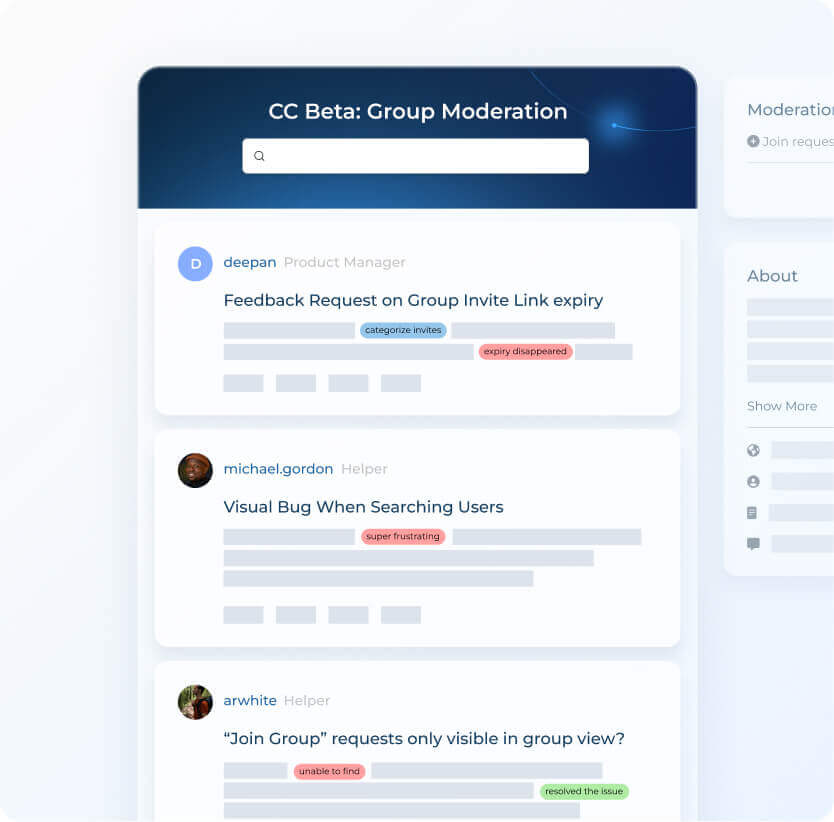
A digital interface showing a Customer Communities moderation dashboard with user feedback and bug reports, each labeled with colored tags like “categorize issues” and “super frustrating.” A search bar is visible at the top.

Co-create your product with customers

Bring customers into the conversation about what’s working, what’s missing, and what they’d love to see next.
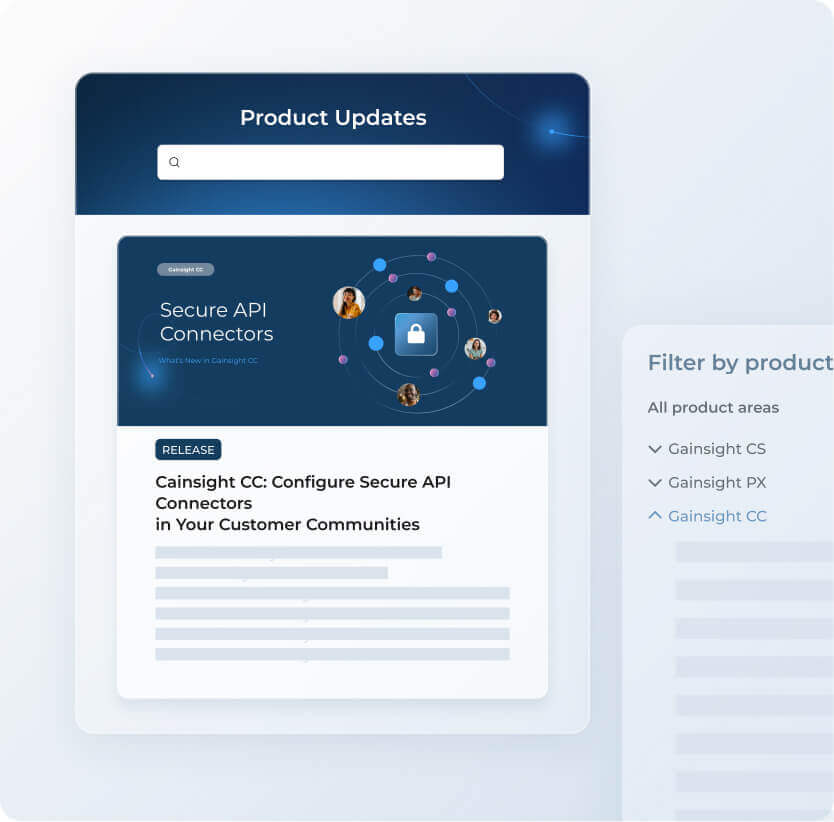
A digital interface displays a “Product Updates” section with a search bar, a highlighted update titled “Secure API Connectors,” and a sidebar with filters for product areas—including Gainsight CS, Gainsight PX, Gainsight CC, and Customer Communities.

Create a custom community without code

Shape what customers see around their product, role, or region, and make the whole experience unmistakably yours.
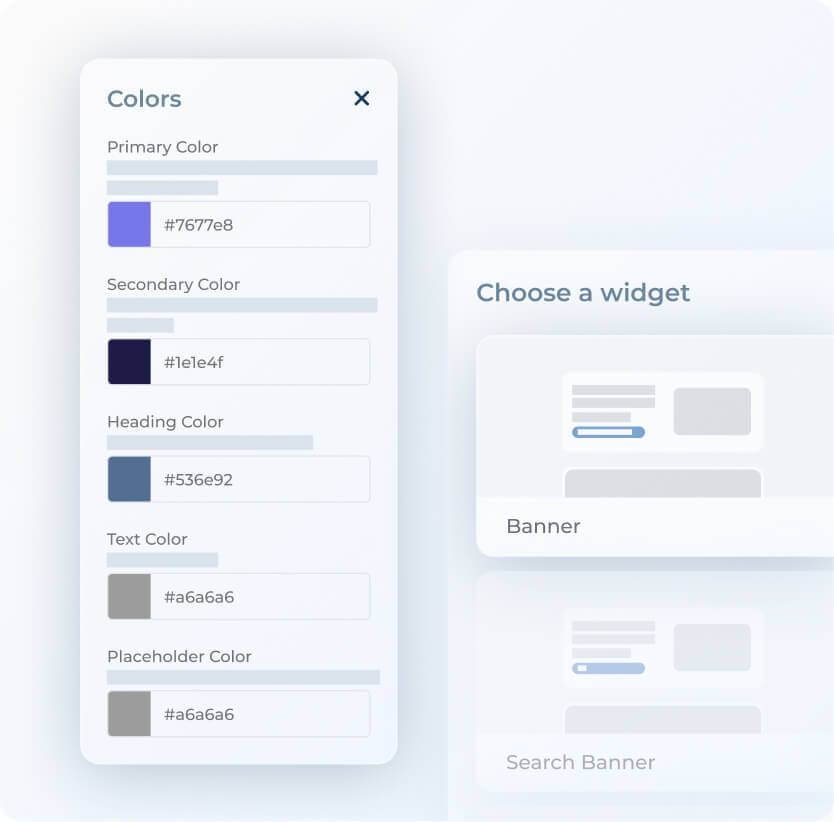
A user interface showing a color settings menu for Customer Communities, with fields for primary, secondary, heading, text, and placeholder colors—each displaying a color swatch and hex code. A blurred widget selection panel is partially visible on the right.

Surface community right where you work.

Bring Community into the tools your team already uses, from Gainsight CS and Skilljar to Zendesk and Jira.

A central dark blue circle with a "G" is surrounded by icons for various apps—including Google Analytics, Zapier, Jira, Salesforce, Slack, Zendesk, Miro, and Intercom—connected by faint concentric circles that symbolize thriving Customer Communities.

Plug community into the tools you already use.

Connect CC to Gainsight CS, Skilljar, Zendesk, and Jira — so your team acts on community insights without switching tools.


Check out our favorite Communities powered by Gainsight CC

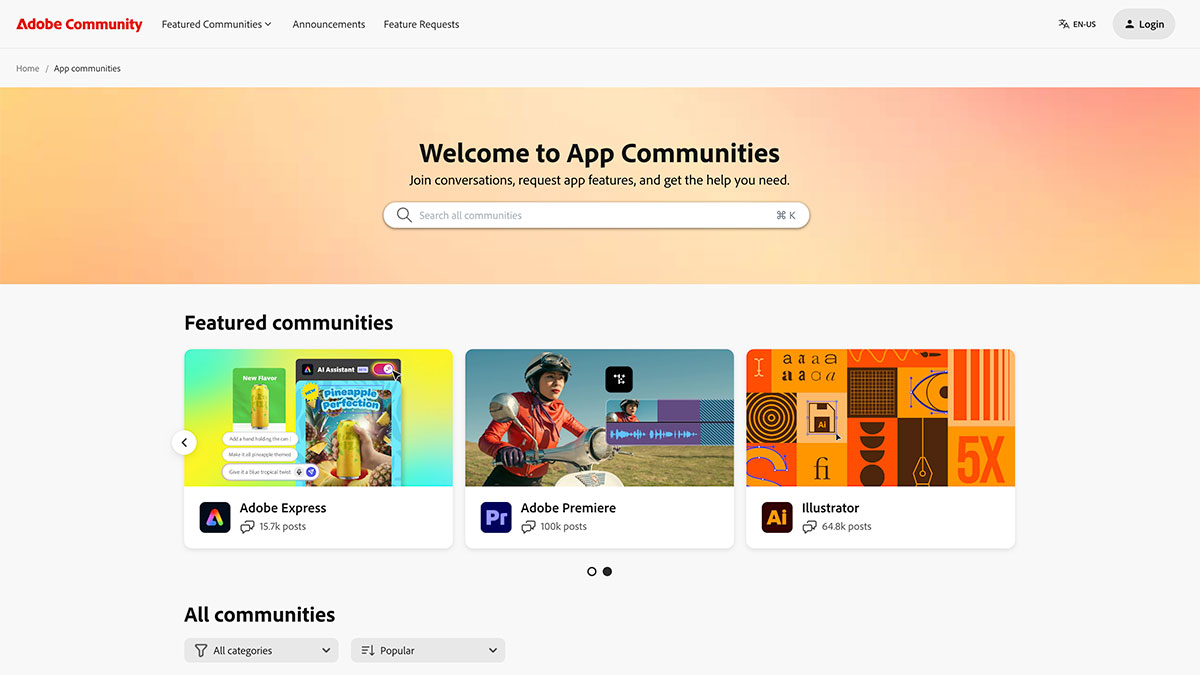
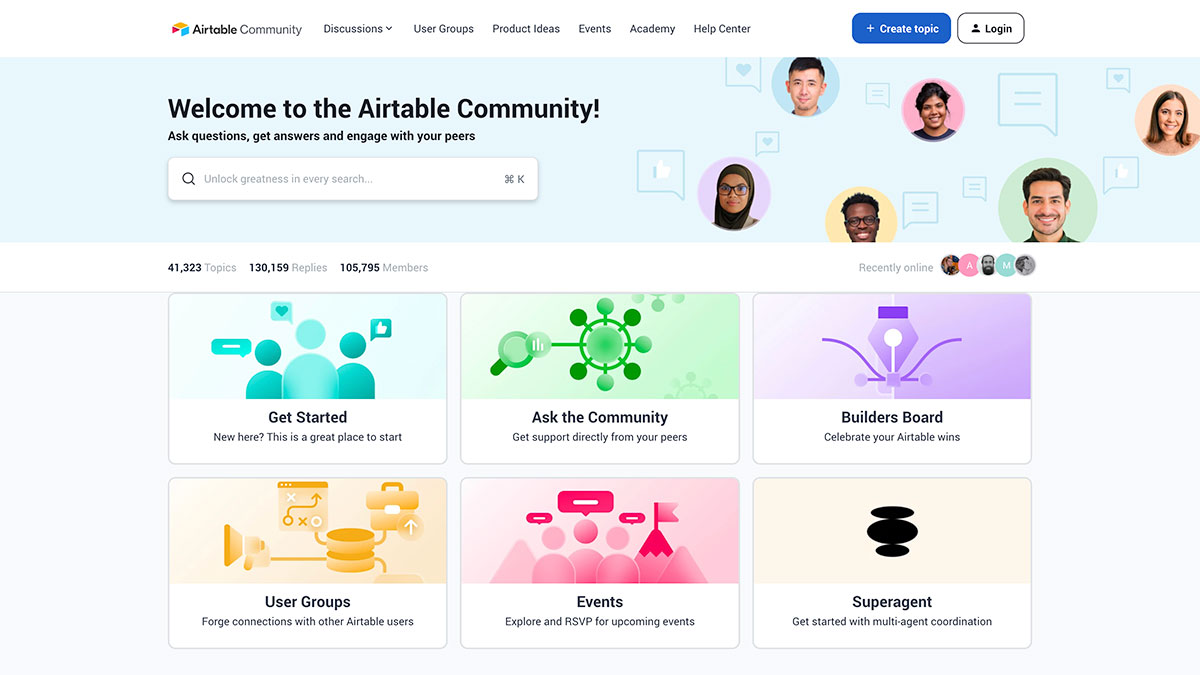
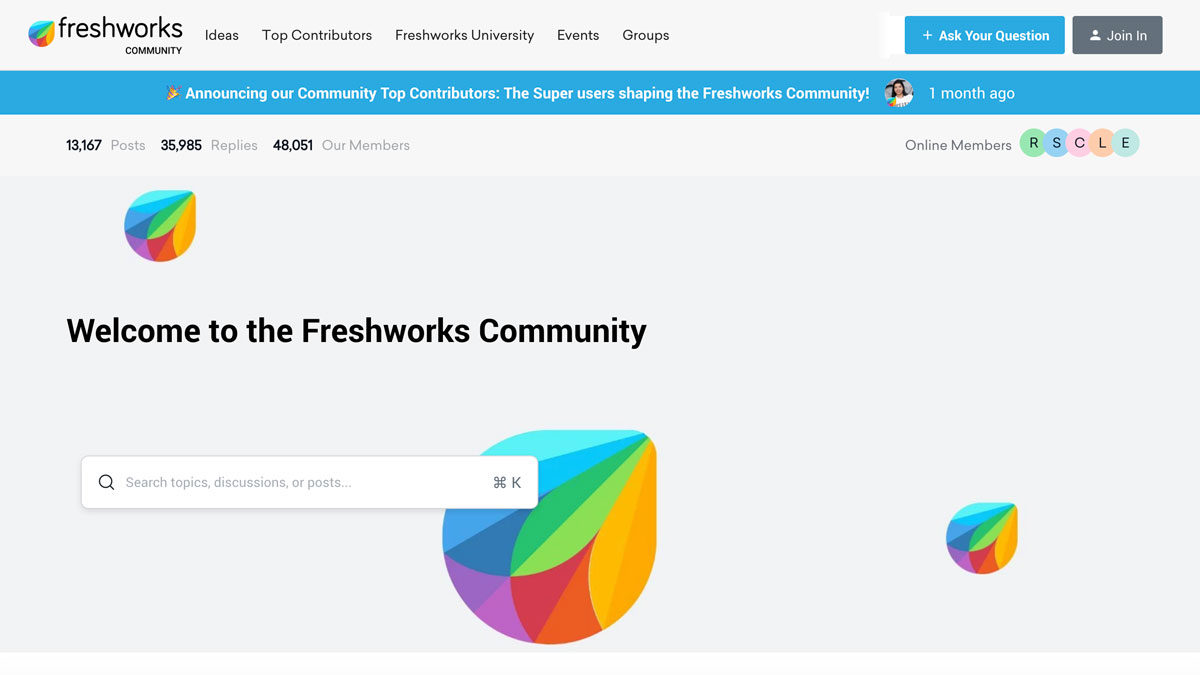
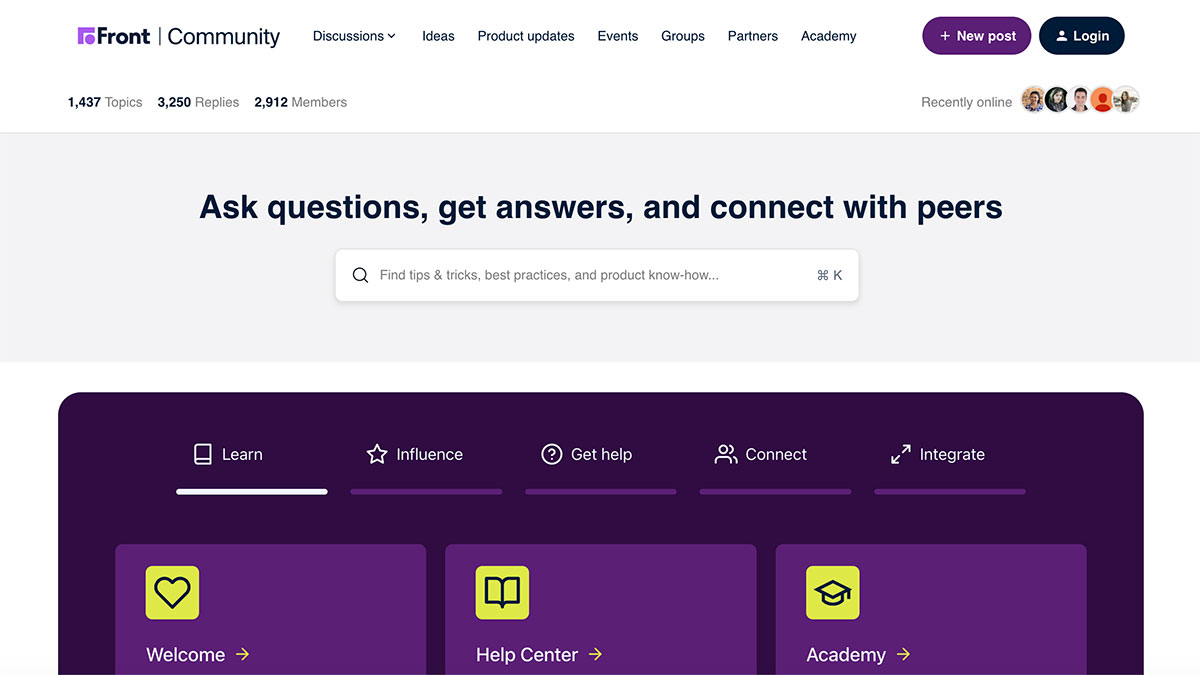
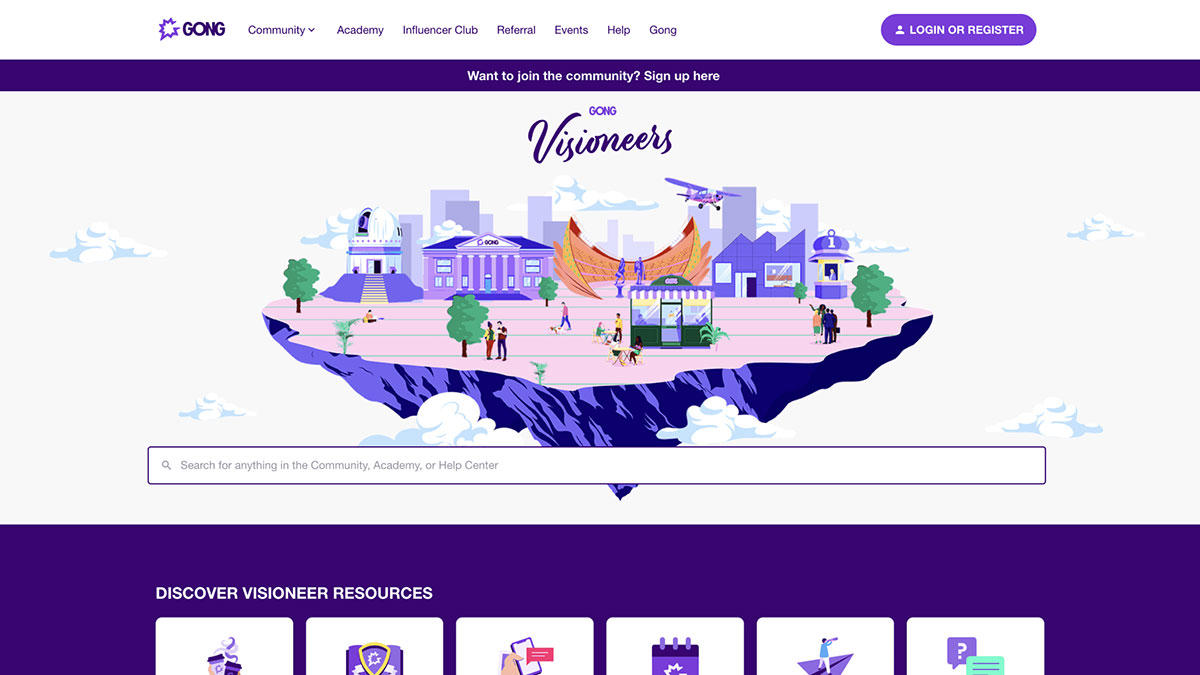
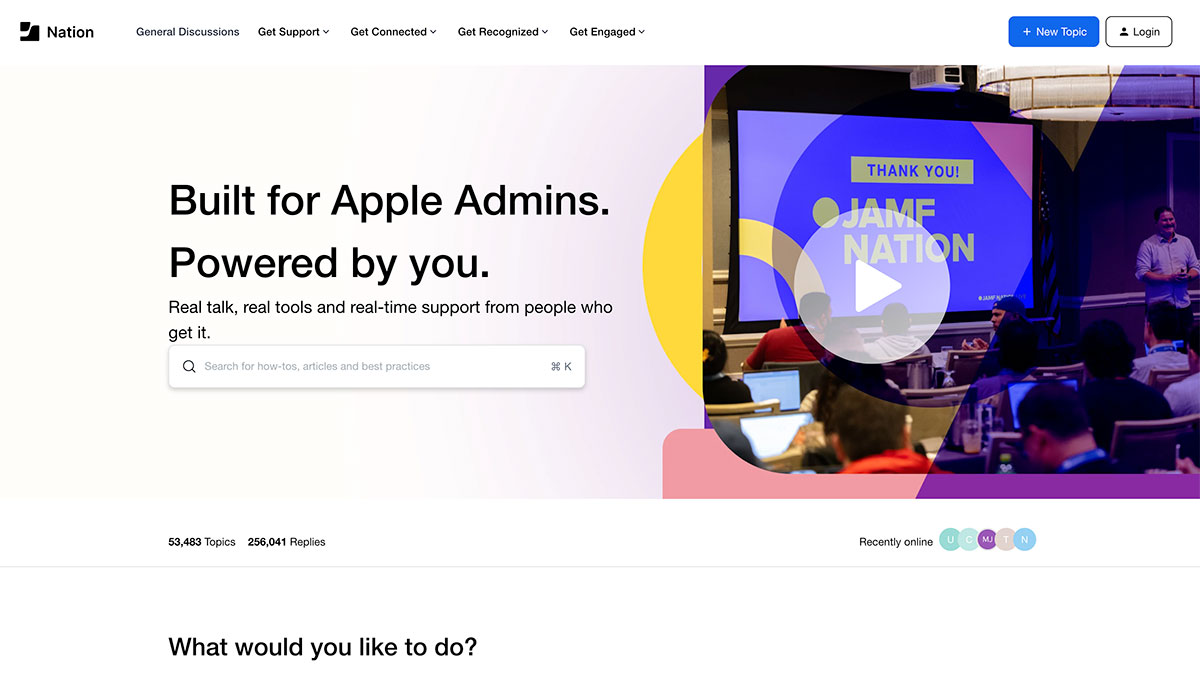
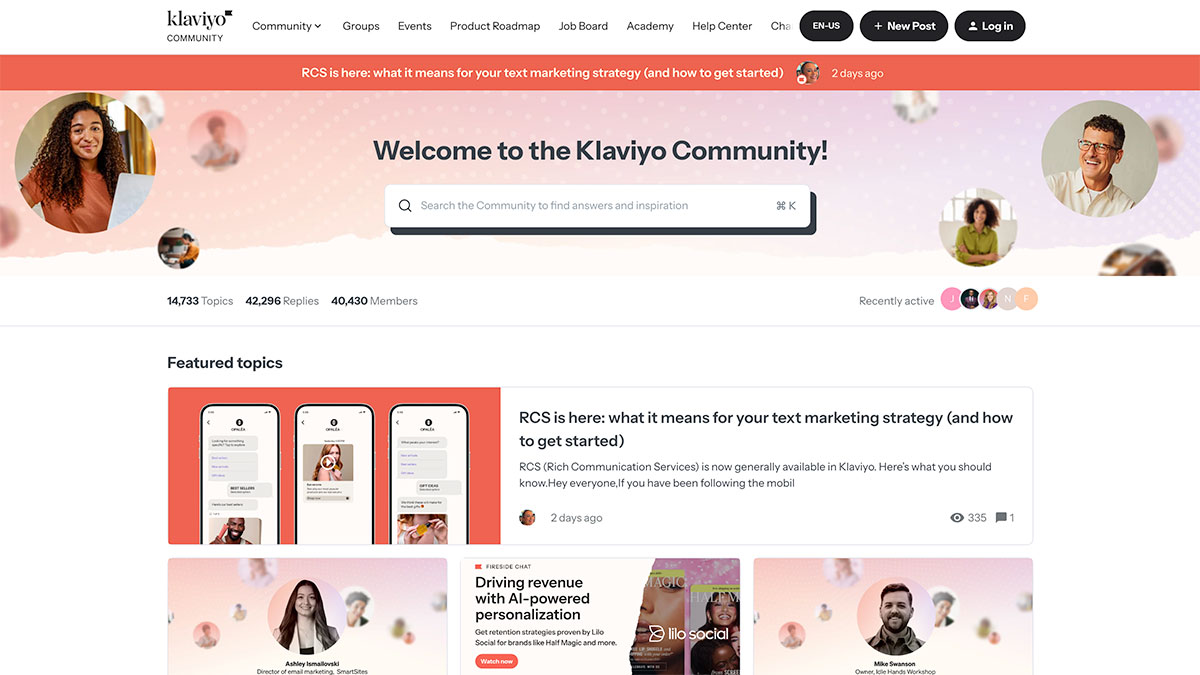
Screenshot of the Adobe Community webpage displaying a search bar, a welcome message, and featured Customer Communities for Adobe Express, Premiere, and Illustrator, each with colorful icons and post counts. Screenshot of the Airtable Community homepage featuring a welcome message, search bar, avatar images, navigation tabs, and colorful icons for sections like Get Started, Ask the Community, Builders Board, User Groups, Events—a hub for Customer Communities. Screenshot of the Freshworks Community homepage, featuring a search bar, welcome message, colorful Freshworks logo, navigation menu, online member icons, site stats—and a vibrant Customer Community Showcase highlighting posts, replies, and members. Screenshot of a Customer Community platform with a search bar inviting users to ask questions, get answers, and connect with peers. Navigation tabs include Learn, Influence, Get help, Connect, Integrate, and Community Showcase. A colorful website homepage features a floating city illustration labeled Screenshot of a website for Apple Admins featuring Customer Communities, with a search bar, navigation menu, and a banner reading A webpage from the Klaviyo Customer Community features a search bar, community stats, member avatars, and highlighted articles about text marketing and AI-driven revenue. The navigation bar appears at the top with various categories in this Community Showcase.
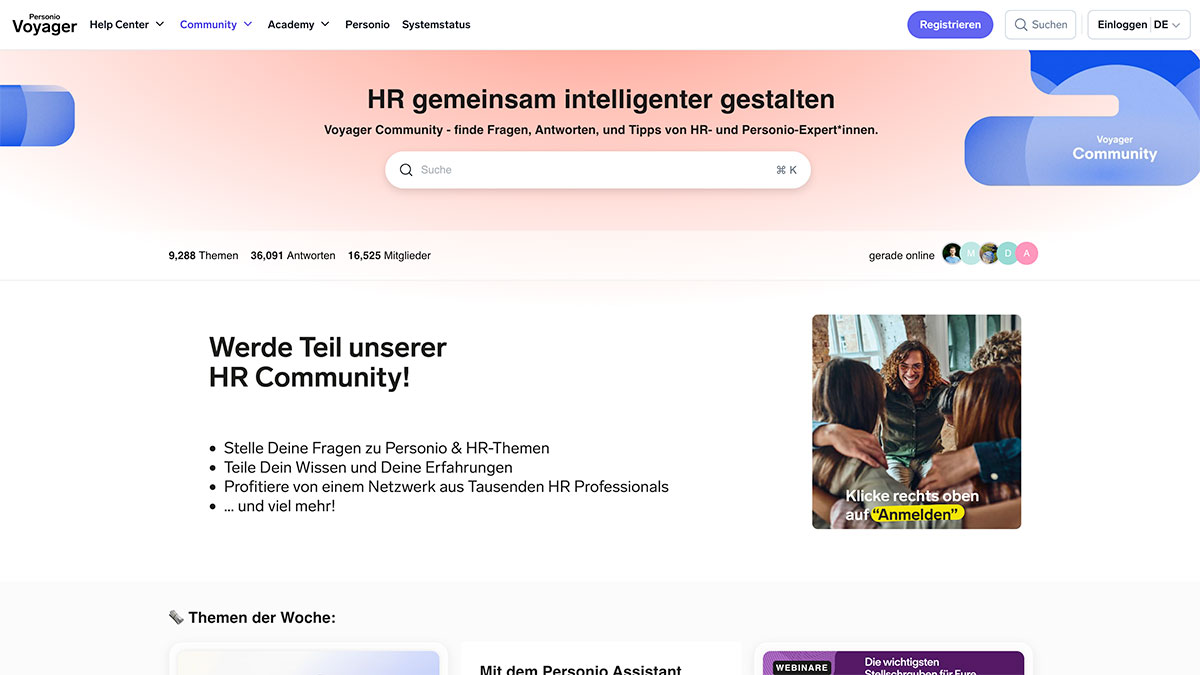
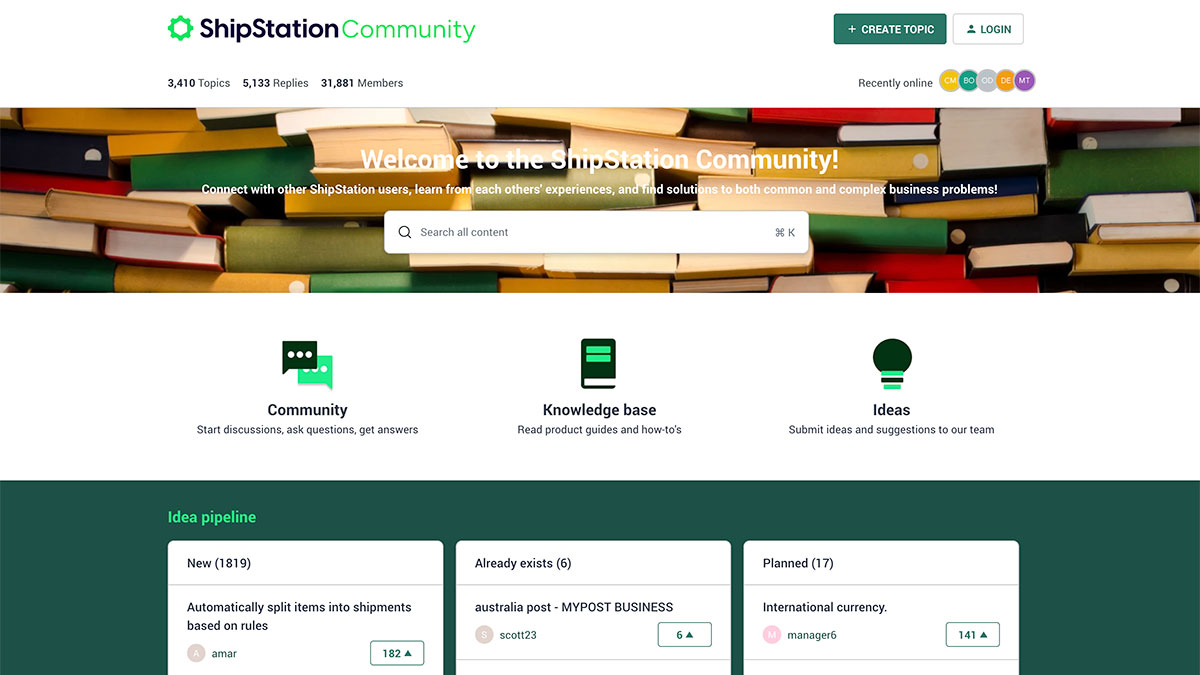
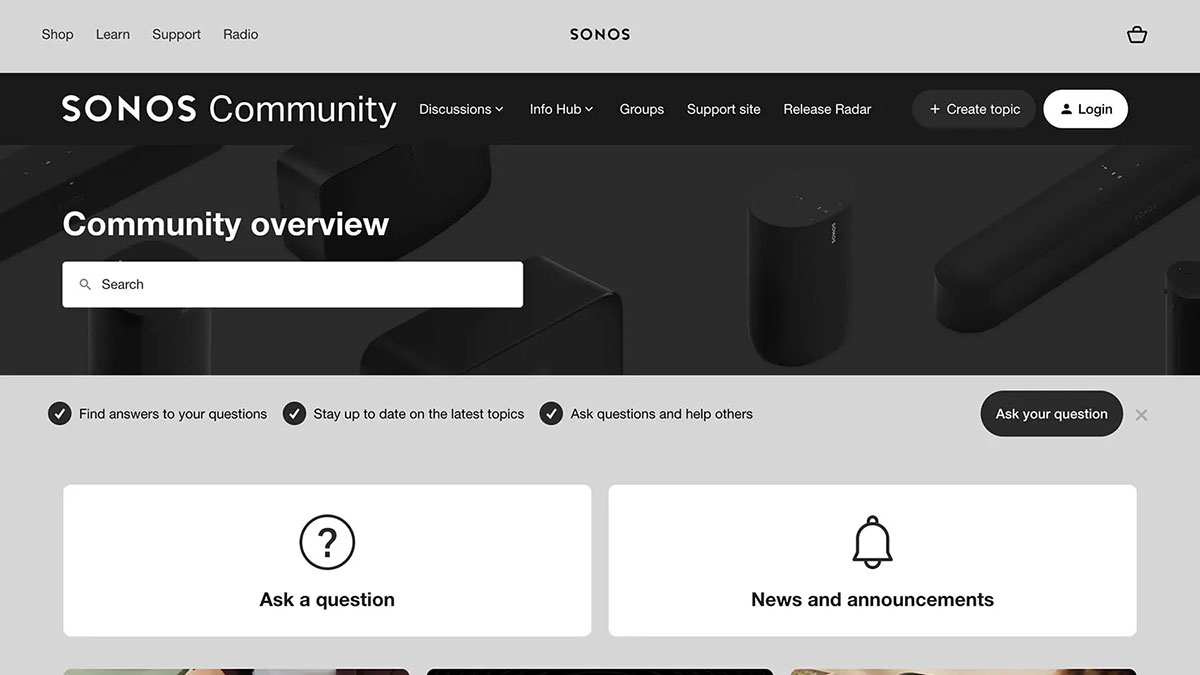
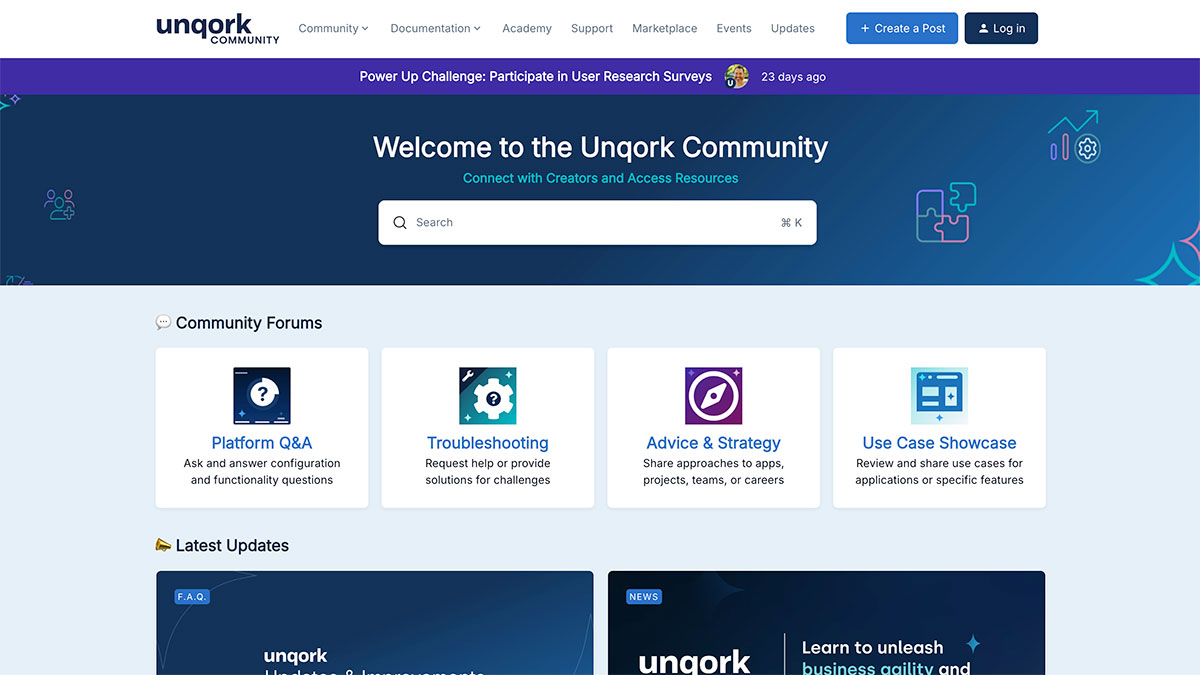
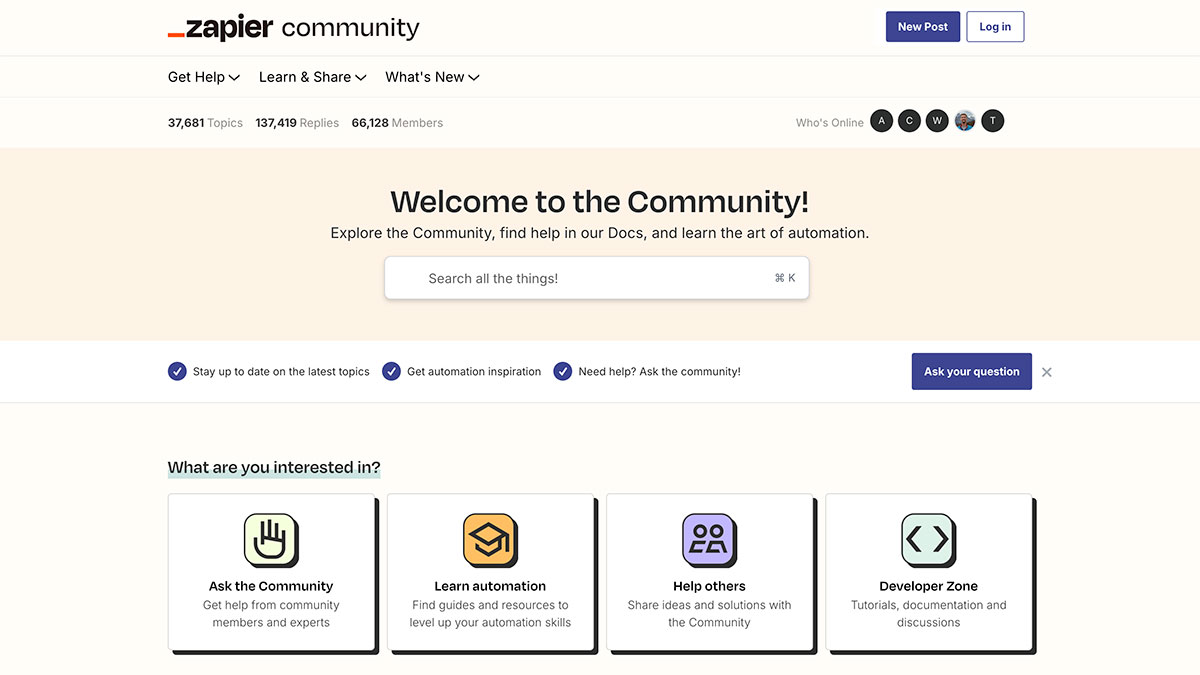
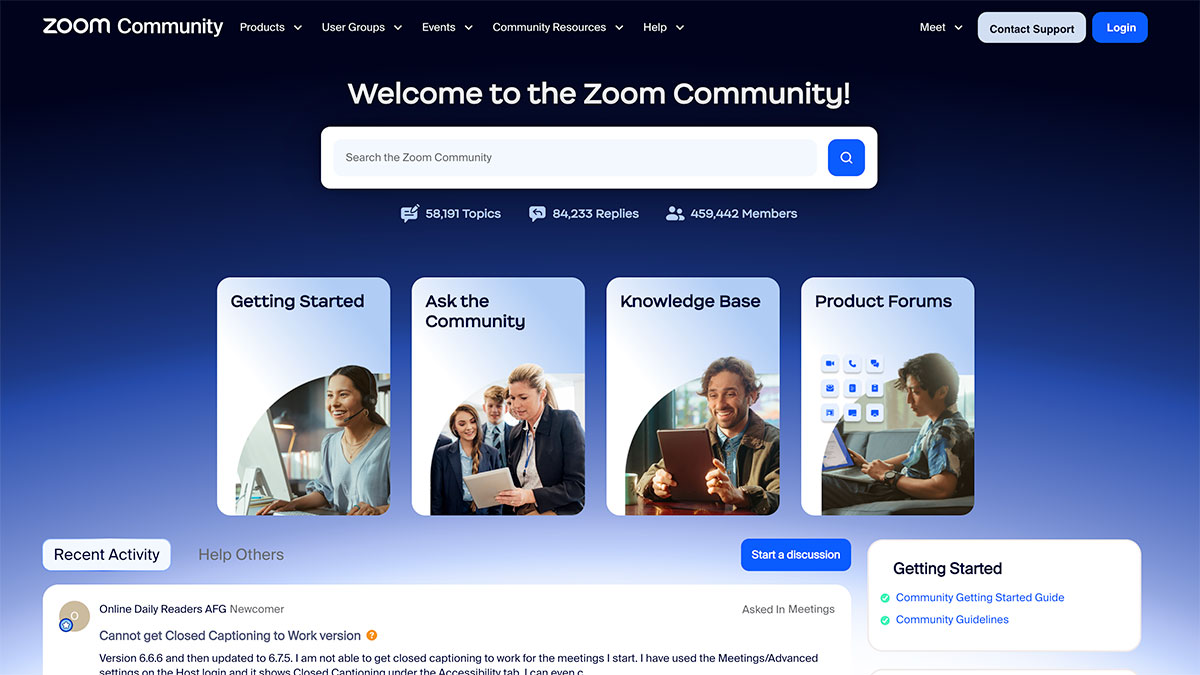
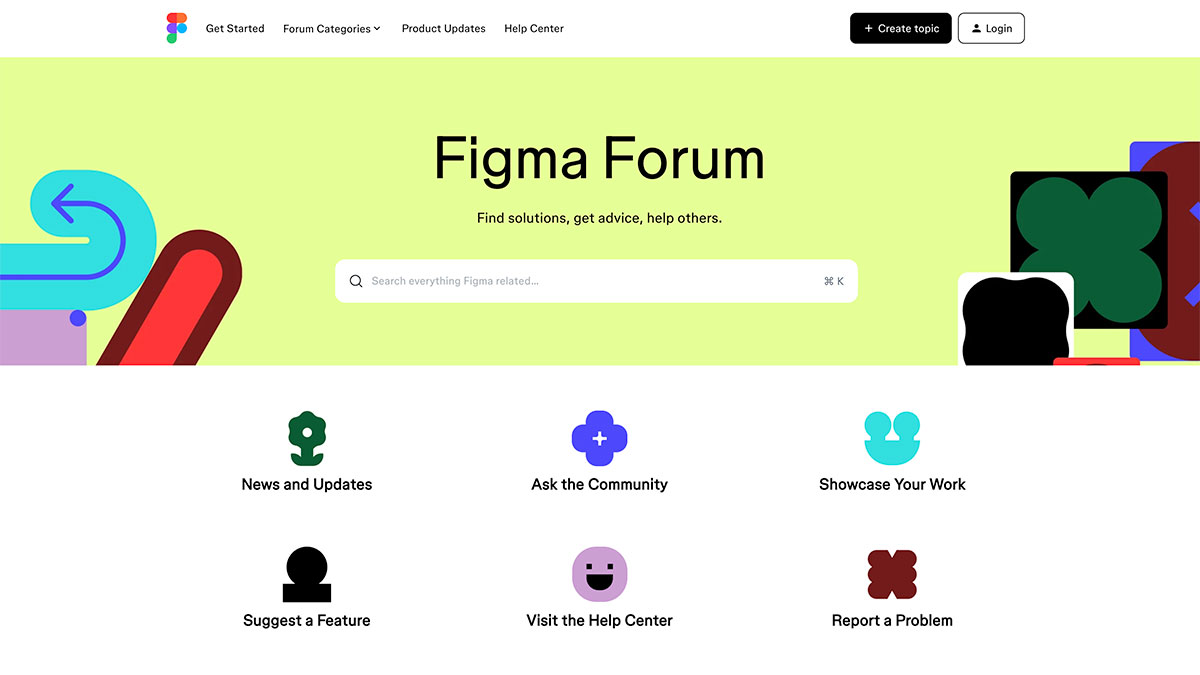
A website page for the Personio Voyager Community, featuring a signup area, HR community benefits, a search bar, and images of diverse people interacting. A banner invites users to join the Customer Community and participate in HR-related discussions. Screenshot of the ShipStation Community website homepage showing a banner with stacked books, navigation buttons, and sections for Customer Communities, Knowledge base, Ideas, and a list of idea pipeline categories. Screenshot of the Sonos Community webpage—a prime example of Customer Communities—featuring a search bar, navigation links, and main buttons for Screenshot of the Unqork Customer Community homepage, featuring navigation links, a welcome message, and four main forum sections: Platform Q&A, Troubleshooting, Advice & Strategy, and Use Case Showcase. Screenshot of the Zapier Customer Community homepage, featuring a search bar, navigation links, and four main options: Ask the Community, Learn automation, Help others, and Developer Zone. Member stats are displayed at the top. Screenshot of the Zoom Community homepage, showcasing a search bar, navigation menus, four main sections (Getting Started, Ask the Community, Knowledge Base, Product Forums), and community stats—an engaging example of Customer Communities in action. Screenshot of the Figma Forum homepage featuring a search bar, colorful abstract shapes, and icons linking to News and Updates, Customer Communities, Ask the Community, Showcase Your Work, Suggest a Feature, Help Center, and Report a Problem.

FAQs About Customer Community Software

Gainsight Customer Communities software enables businesses to create online spaces where customers connect, exchange ideas, and access resources. It includes knowledge bases, discussion boards, messaging, and event management tools.

Brands gather customer insights, highlight product features, identify accounts needing assistance, and strengthen relationships while determining customer needs and behavior patterns. When reviewing a community software list, look for solutions that offer these comprehensive features.

Gainsight Customer Communities establishes multiple touchpoints throughout the customer journey. Businesses invite participation in discussions with peer and expert responses. Gamification elements like leaderboards and badges incentivize active engagement.

Online community platforms transform passive users into brand advocates who mentor newcomers, contribute content, and represent your business positively—generating greater credibility than conventional marketing.

Help desks provide one-on-one resolutions through tickets, while customer community software creates environments where customers help each other with team guidance. In online customer communities, knowledge sharing happens organically, and answered queries become permanent resources.

Community platform examples show they build inter-customer connections and belonging that help desks can’t provide. A combined approach creates a complete support system.

Measure Customer Communities software success through value realization, revenue impact, and engagement metrics. Track participation rates, content creation, activity levels, and response times.

Gainsight Customer Communities offers tools to track these metrics for accurate ROI calculation. Create dashboards detailing community activities and their effects to determine which are most critical.

Reliable customer community platforms employ robust security with role-based access controls. Gainsight Customer Communities uses encryption for data in transit and at rest, complying with SOC 2, HIPAA, and GDPR standards.

Our online customer community provides administrator controls to address issues and flexible data retention policies matching your company guidelines.

Effective customer communities software should be user-friendly, feature a responsive search, and integrate with support systems and CRMs. The ideal community platform needs spaces for different customer segments, content management tools, and robust security controls.

Gainsight Customer Communities offers all this, plus comprehensive analytics, multilingual support, and scalability to foster valuable connections—making it stand out among the best community software options available.

Yes. Because both products are built and owned by Gainsight, Customer Communities has a uniquely deep, native integration with Skilljar, a dedicated customer education LMS, with no third-party connectors required.

The integration lets community members navigate directly to Skilljar courses, find Academy content in the community search, and filter results between community posts and Skilljar courses. A Unified Login is also available, allowing users to sign in once through Community SSO and move between the Community and Academy without additional login prompts.