Digital Customer Hub

Give users a place to learn and connect in the flow of work

Skilljar and Gainsight Customer Communities come together with one unified ecosystem for your users — without switching platforms.

Your customers deserve better than a fragmented experience.

Training lives in one tool, community answers in another, and support docs in a third. Customers can't find what they need, when they need it.

One Digital Hub.
Infinite customer value.

Learn from the company

Learning shouldn’t stay locked in your Academy, and now it doesn’t have to. Surface it everywhere your learners already are and funnel education data into external tools and health scores.
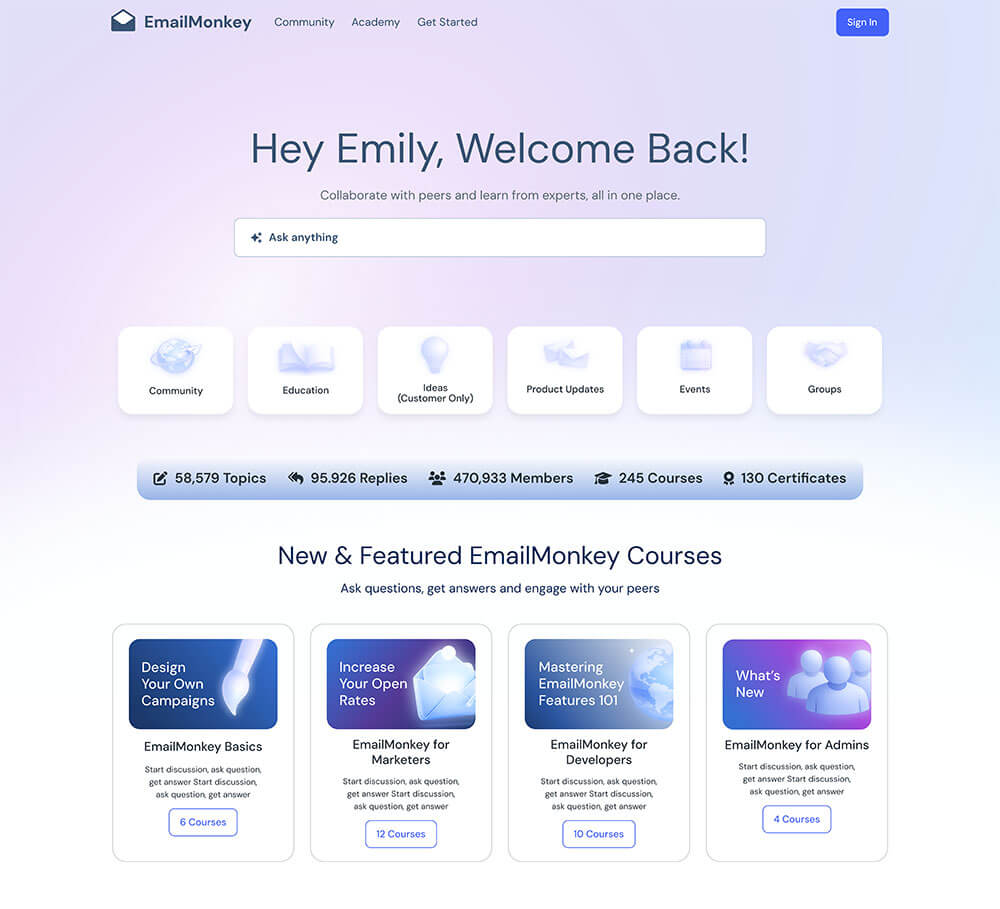
Screenshot of EmailMonkey’s Digital Customer Hub homepage showing a welcome message, search bar, icons for community, education, product updates, events, and groups, plus stats and cards for featured courses like campaign design and marketing.

Learn from each other

Use your Community as a centralized hub to bring education and peer knowledge together with one login, federated search, and a single profile that connects each user’s learning and community activity.
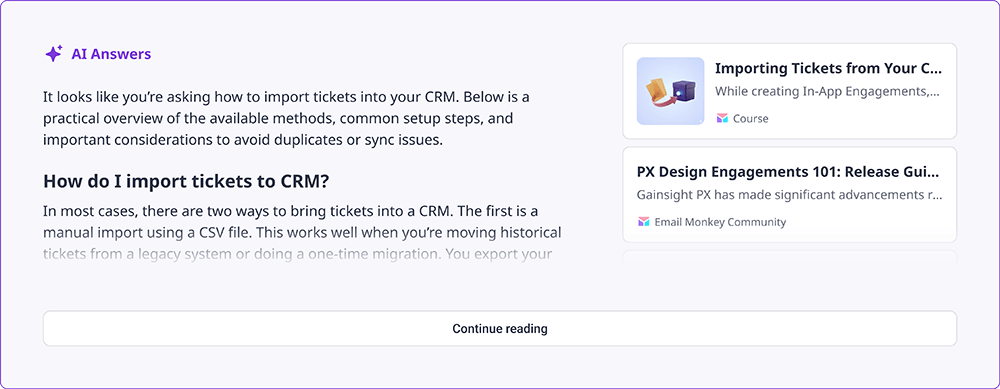
A software interface within the Digital Customer Hub displays AI-generated answers about importing tickets to a CRM, including setup steps and considerations. On the right, related resources and guides are listed. A "Continue reading" button appears below the text.

Learn in the product

In-product guidance that actually knows your users. Connect usage data, learning history, and community engagement across the experience so every in-app nudge reflects where they are in their journey.
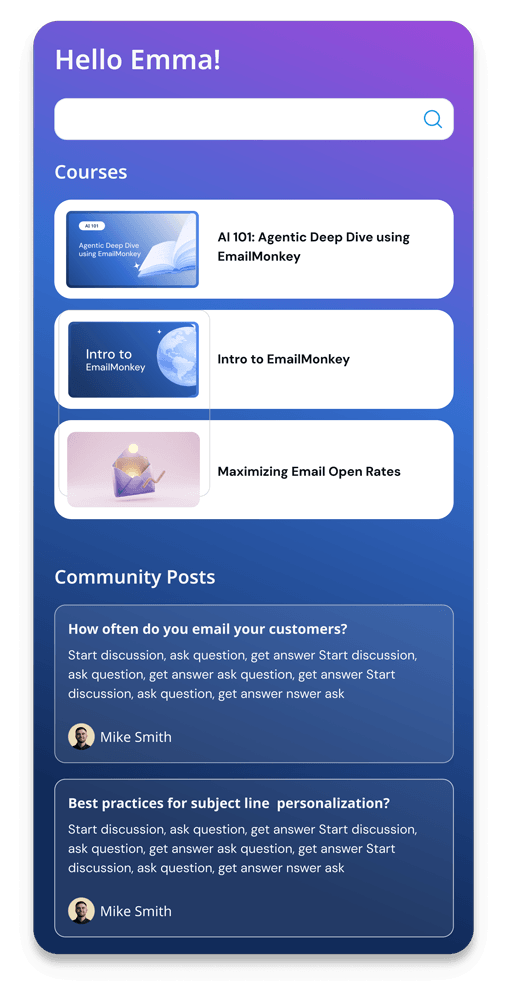
A Digital Customer Hub dashboard interface with a greeting "Hello Emma!", a "Courses" section with three course cards, and a "Community Posts" area featuring discussion posts and user avatars, set against a blue-to-purple gradient background.

Your unified Digital Customer Hub is here

A powerful integration between Skilljar and Gainsight Customer Communities

Unified Login & Profile

One identity across Education and Community. Your users sign in once and move between learning and community experiences with a single profile.

  • Single SSO across both Skilljar and Communities
  • “My Learning” dropdown accessible from community navigation

Unified Navigation

Your Community header lives everywhere. Users never feel like they’ve left your integrated experience, whether they’re browsing courses or discussions.

  • Embedded Customer Communities navigation header across Skilljar pages
  • Consistent branding across the user experience

Education Widgets on Community Pages

Surface the right course at the right moment. Embed in-progress courses, personalized recommendations, and Learning Paths directly inside your Community.

  • Configurable via your Customer Communities widget library
  • Personalized course recommendations based on user progress

Federated Search

One search bar, every answer. Users search once and get results from both Skilljar courses and Community content, without hunting across platforms.

  • Surface results across Skilljar courses, articles, discussions, and knowledge base
  • Configurable from the Communities admin interface

Integrating Skilljar with Gainsight Customer Communities has transformed how Cognite’s customers learn about our platform and engage with our team. Instead of a disconnected training portal, we now surface targeted Skilljar courses, certifications, and onboarding paths directly in the community, so customers discover the right content in the flow of asking questions, exploring product best practices, and connecting with peers.

Since launch, we’ve seen higher course enrollments, stronger community engagement, and more self-service case deflection.

Anita Hæhre
Head of Community

Check out more Digital Customer Hubs powered by Skilljar & Gainsight Customer Communities
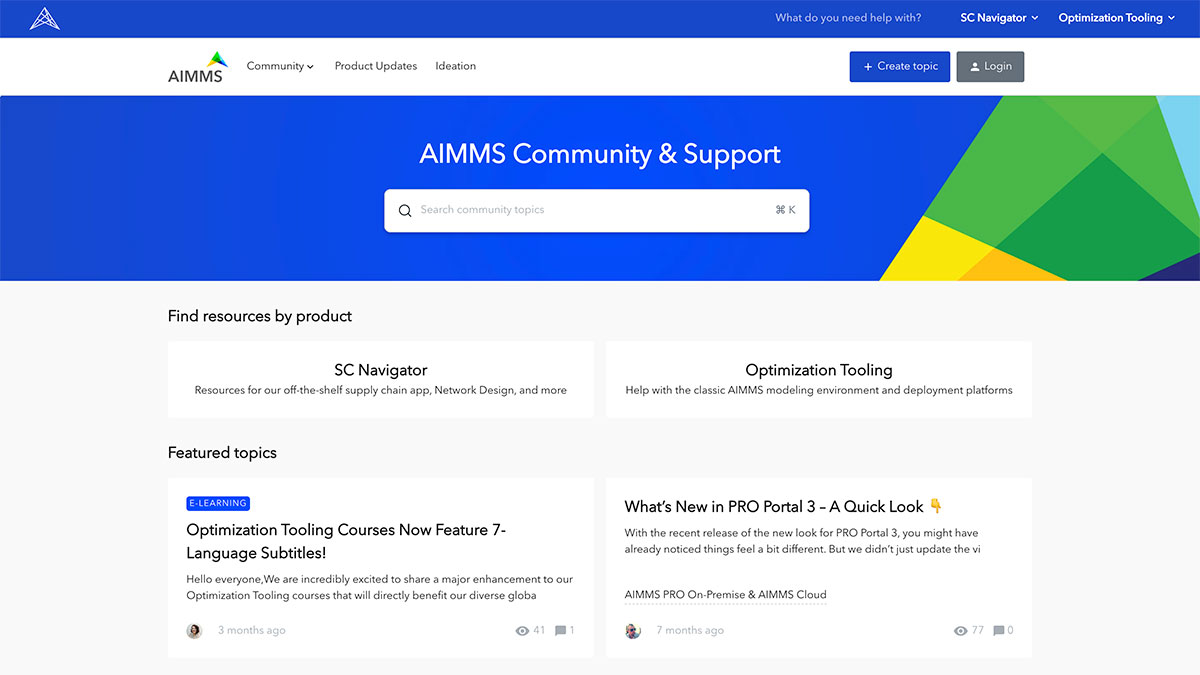
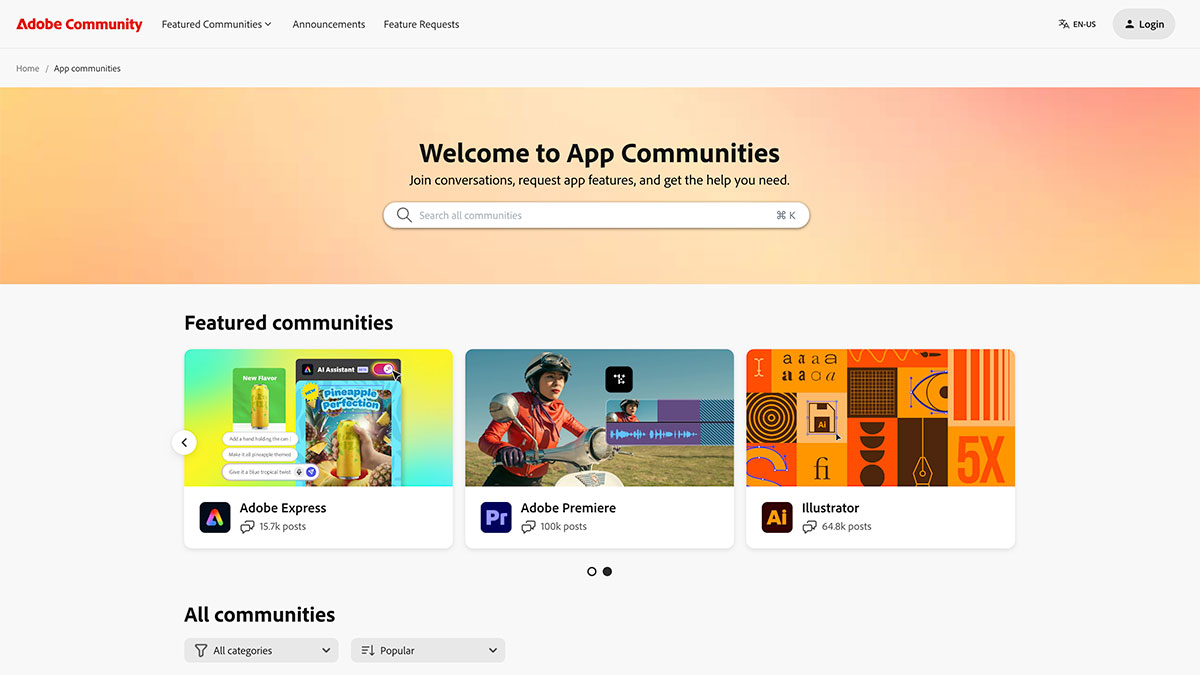
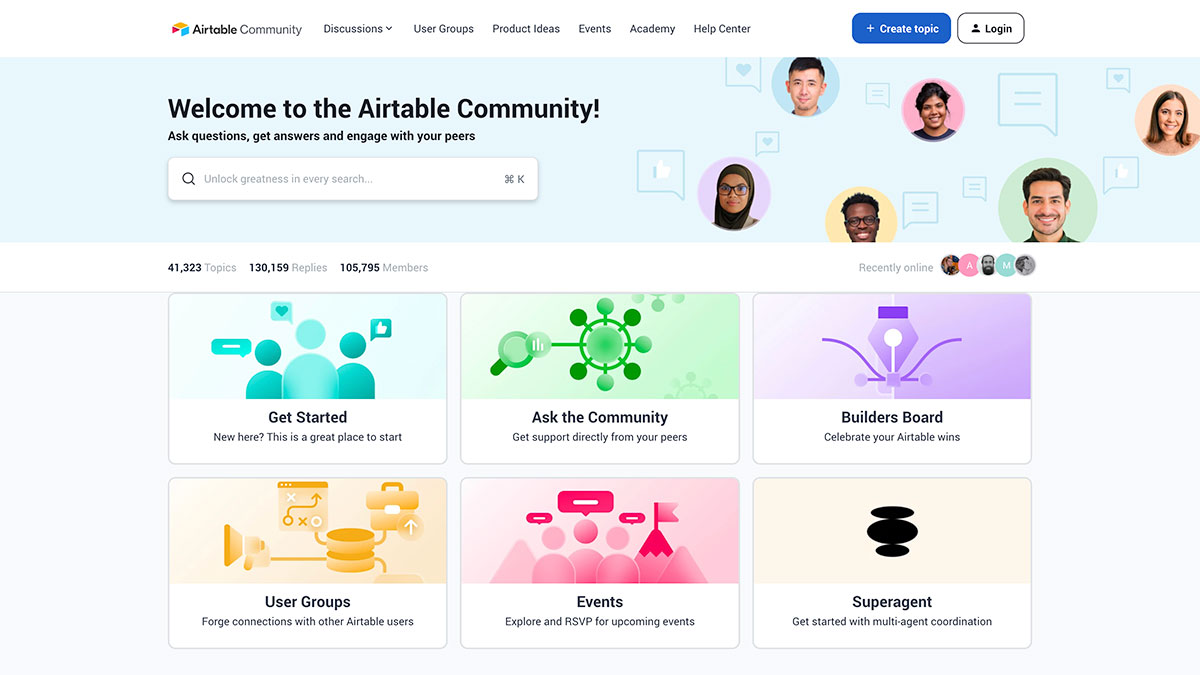
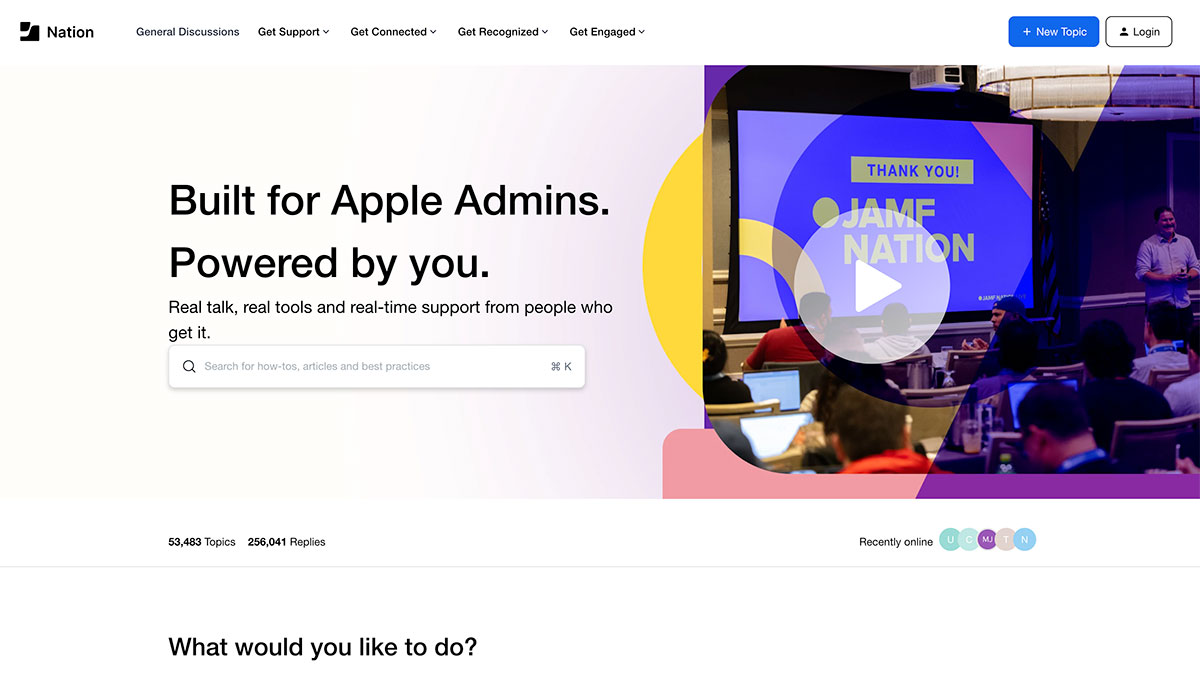
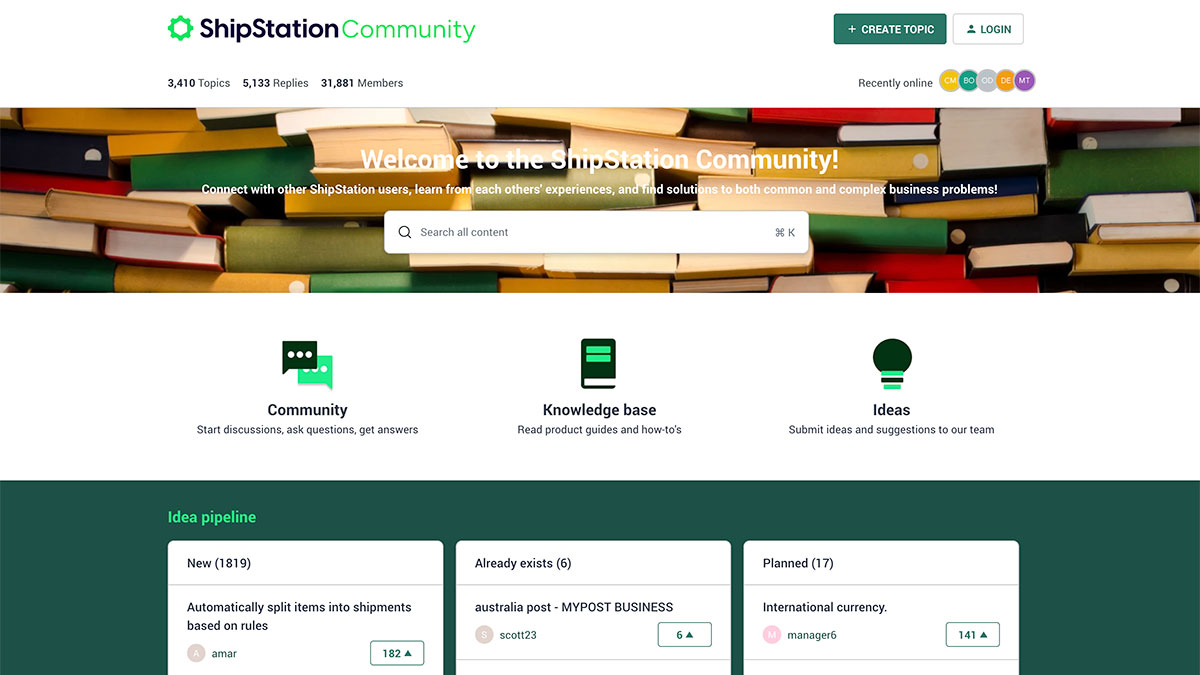
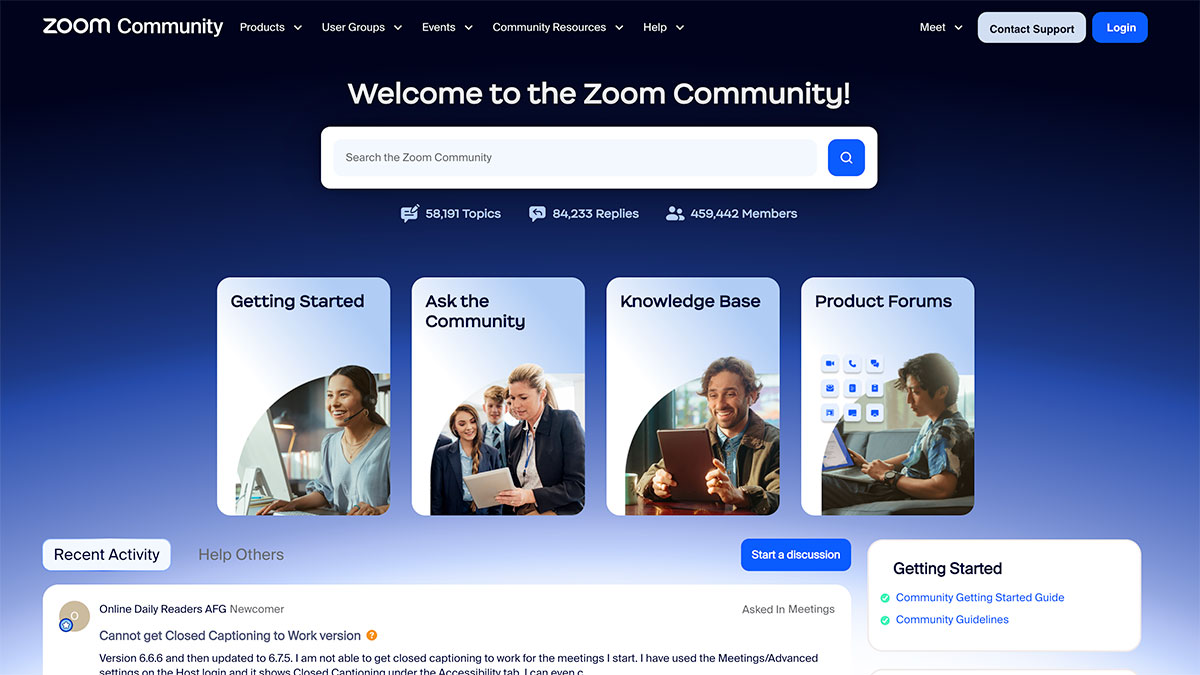
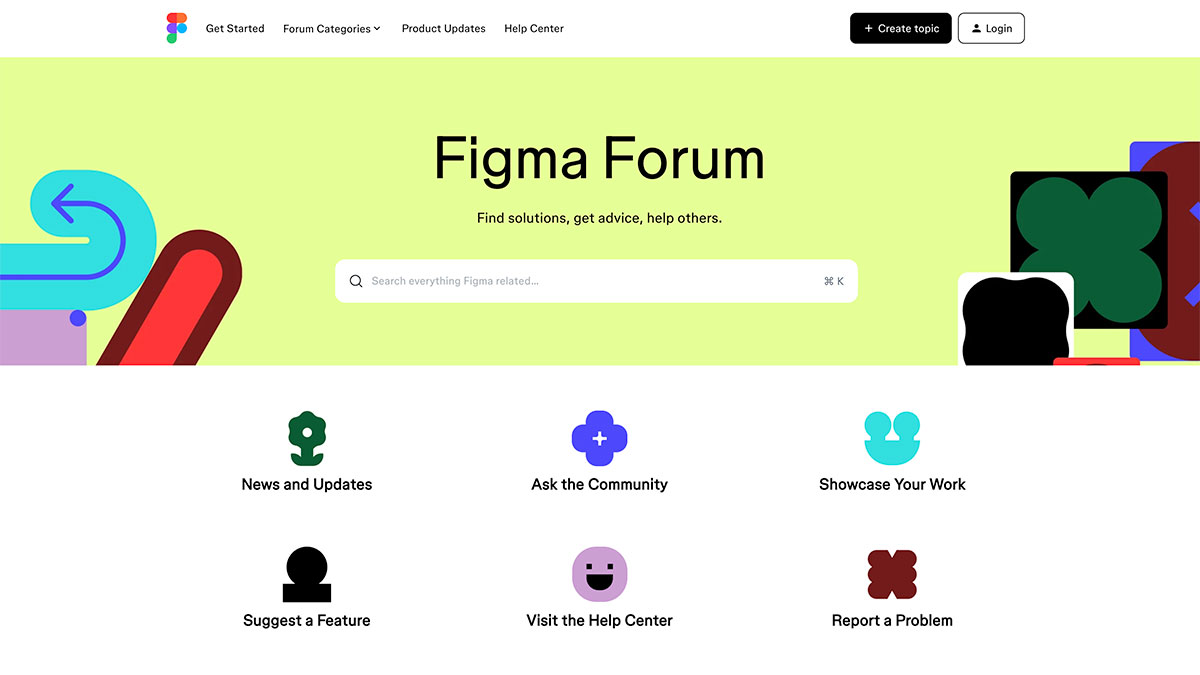
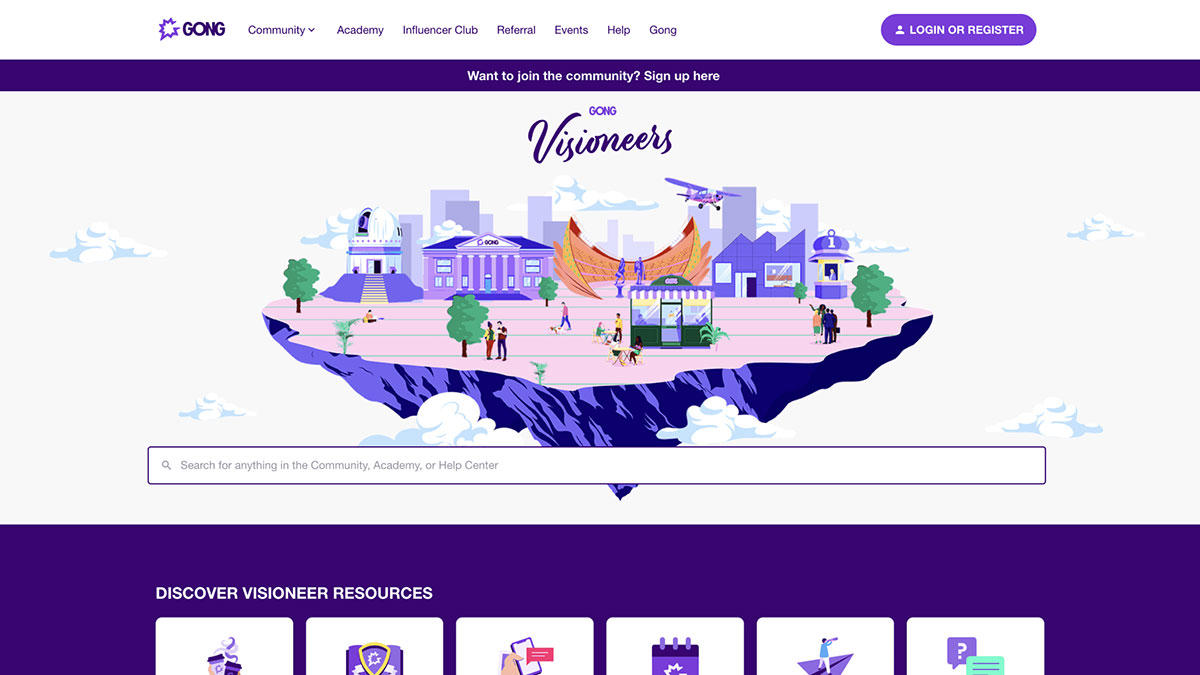
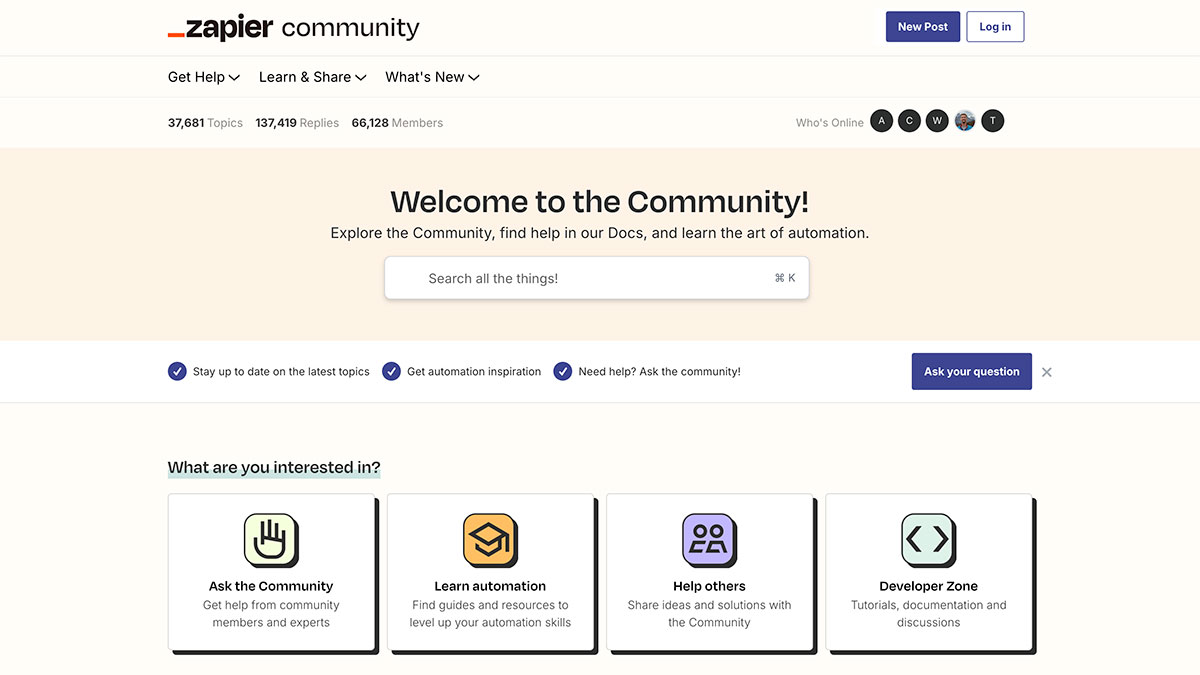
Screenshot of the AIMMS Community & Support webpage, featuring a search bar, navigation menu, product sections for SC Navigator and Optimization Tooling, and a Customer Community showcase with featured topics, brief descriptions, and icons. Screenshot of the Adobe Community webpage displaying a search bar, a welcome message, and featured Customer Communities for Adobe Express, Premiere, and Illustrator, each with colorful icons and post counts. Screenshot of the Airtable Community homepage featuring a welcome message, search bar, avatar images, navigation tabs, and colorful icons for sections like Get Started, Ask the Community, Builders Board, User Groups, Events—a hub for Customer Communities. Screenshot of a website for Apple Admins featuring Customer Communities, with a search bar, navigation menu, and a banner reading Screenshot of the ShipStation Community website homepage showing a banner with stacked books, navigation buttons, and sections for Customer Communities, Knowledge base, Ideas, and a list of idea pipeline categories. Screenshot of the Zoom Community homepage, showcasing a search bar, navigation menus, four main sections (Getting Started, Ask the Community, Knowledge Base, Product Forums), and community stats—an engaging example of Customer Communities in action. Screenshot of the Figma Forum homepage featuring a search bar, colorful abstract shapes, and icons linking to News and Updates, Customer Communities, Ask the Community, Showcase Your Work, Suggest a Feature, Help Center, and Report a Problem. A colorful website homepage features a floating city illustration labeled Screenshot of the Zapier Customer Community homepage, featuring a search bar, navigation links, and four main options: Ask the Community, Learn automation, Help others, and Developer Zone. Member stats are displayed at the top. Screenshot of the Unqork Customer Community homepage, featuring navigation links, a welcome message, and four main forum sections: Platform Q&A, Troubleshooting, Advice & Strategy, and Use Case Showcase. Screenshot of a Customer Community platform with a search bar inviting users to ask questions, get answers, and connect with peers. Navigation tabs include Learn, Influence, Get help, Connect, Integrate, and Community Showcase. A webpage from the Klaviyo Customer Community features a search bar, community stats, member avatars, and highlighted articles about text marketing and AI-driven revenue. The navigation bar appears at the top with various categories in this Community Showcase.

Schedule a demo